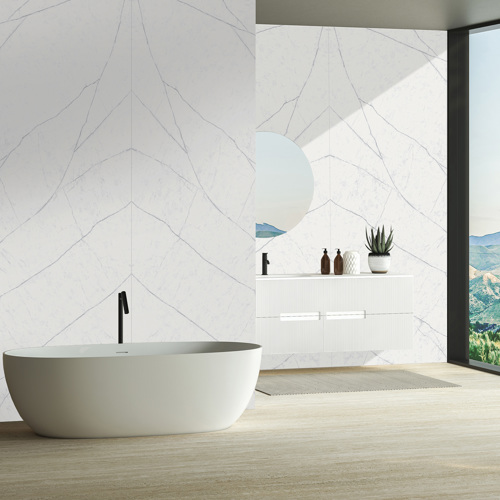
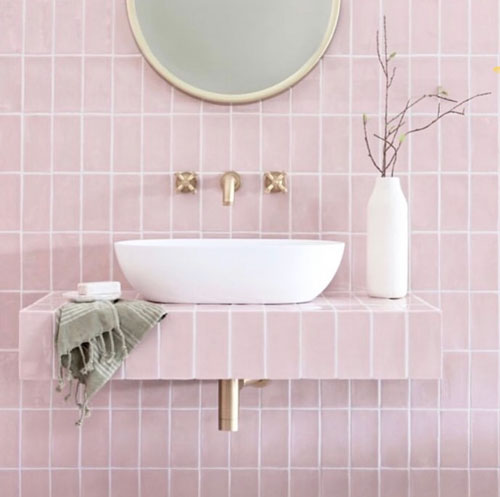
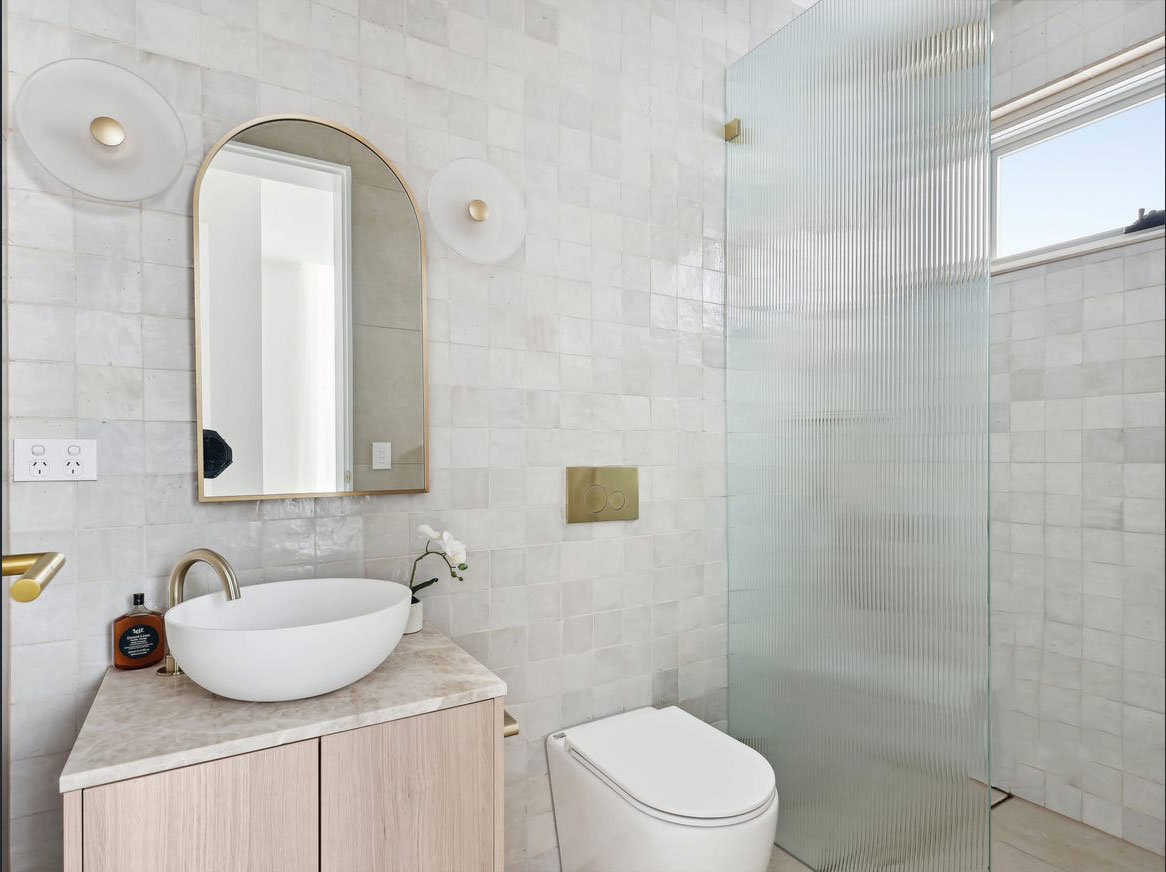
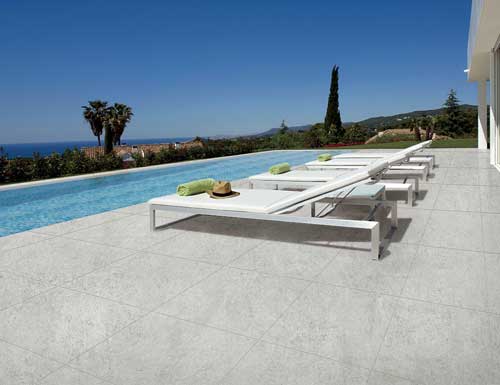
Three steps to your new look

Tile Visualiser:
See Our Tiles in Your Room

Upload a photo of your space, pick a tile and preview it on your own floor or wall in about a minute. It’s free to try.

  1. Step 1

    Pick a tile

    Choose from the collection below.

  2. Step 2

    Upload your room

    Take a photo or upload one.

  3. Step 3

    See the result

Visualiser preview only. Tile colour, pattern, size and finish may differ from the actual product.

Start here

Choose a tile to visualise

Open a tile, then tap “See it in your room”.

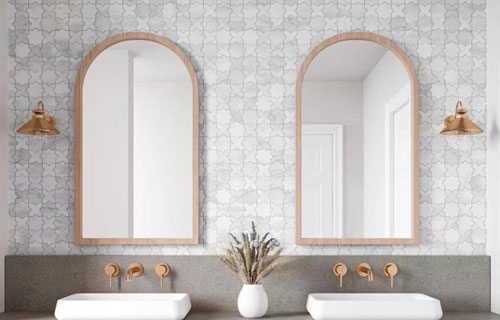
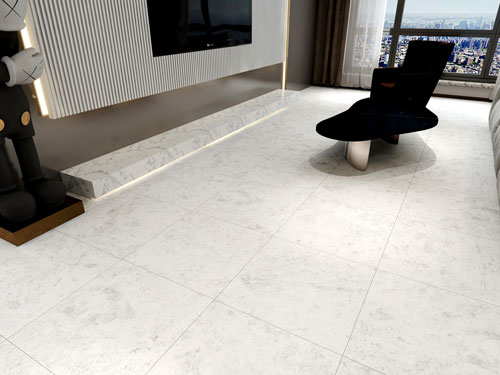
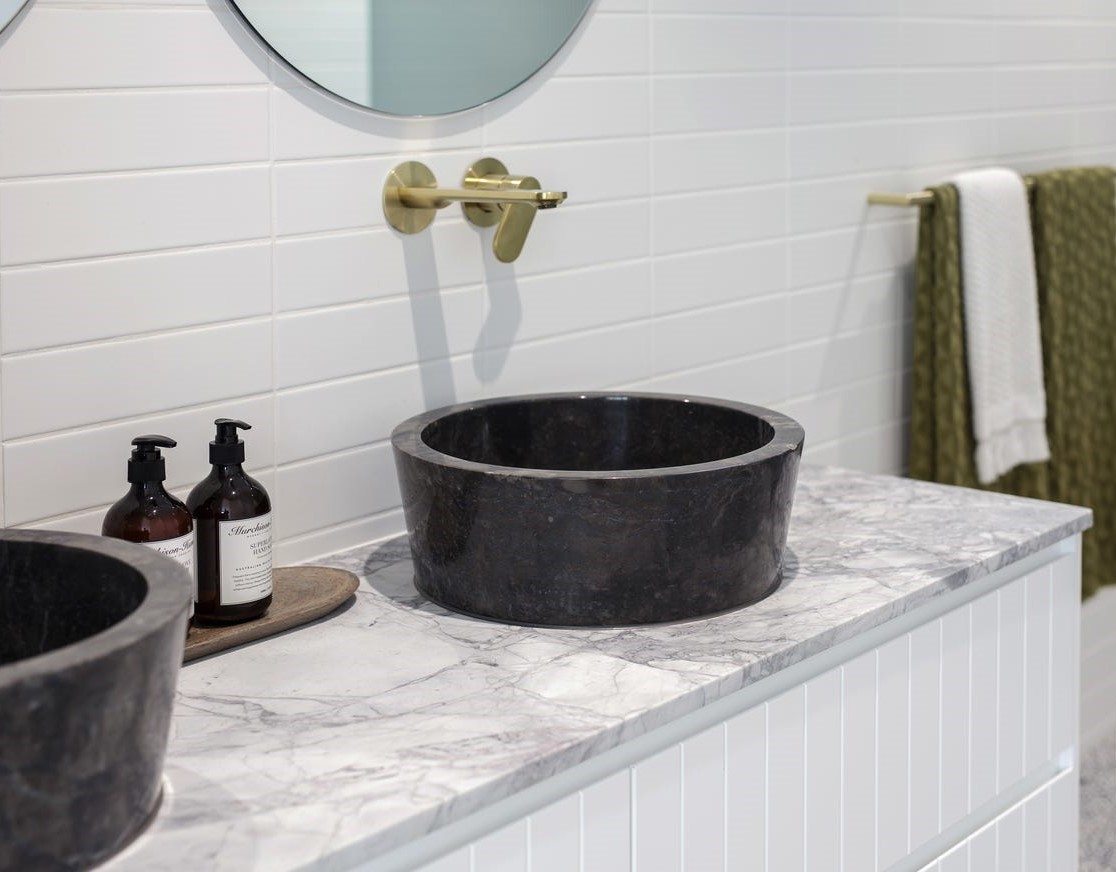
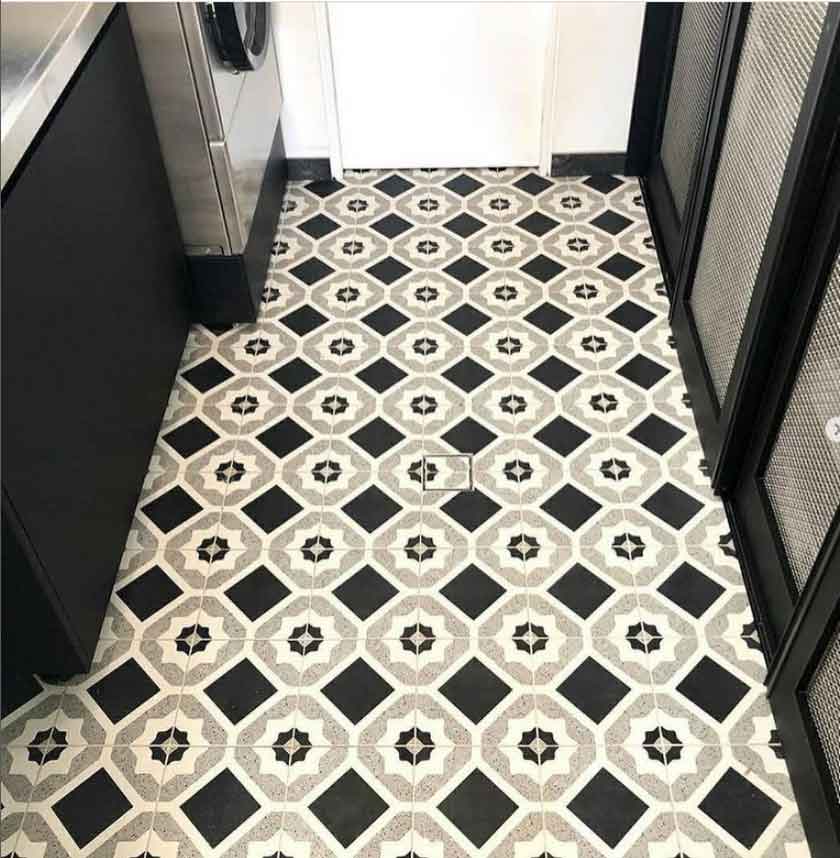
Botticino Alabasta 3D Flute Porcelain Tile Visualise in your room → Trp08Sg Terrazzo Look Porcelain Tile Visualise in your room → Venus Jade Veined Porcelain Tile Visualise in your room → Venus Crystal Veined Porcelain Tile Visualise in your room → Venus Azul Veined Porcelain Tile Visualise in your room → Venus Azul Cross Porcelain Tile Visualise in your room → Venus Amber Crystal Porcelain Tile Visualise in your room → Venus Amber Jade Porcelain Tile Visualise in your room → Venus Amber Veined Porcelain Tile Visualise in your room → Venus Amber Cross Porcelain Tile Visualise in your room → Marvel T Halo Sand Matt Porcelain Tile Visualise in your room → Marvel T Halo White Matt Porcelain Tile Visualise in your room → Marvel T Navona White Matt Porcelain Tile Visualise in your room → Botticino Classico Porcelain Tile Visualise in your room → Botticino Alabaster Porcelain Tile Visualise in your room → Shell Venetian Plaster Look Porcelain Tile Visualise in your room → Haze Venetian Plaster Look Porcelain Tile Visualise in your room → Glow Venetian Plaster Look Porcelain Tile Visualise in your room → Precious Grey Bullnose Coping Porcelain Tile Visualise in your room → Precious Bianco Bullnose Coping Porcelain Tile Visualise in your room → Crown White Coping Porcelain Tile Visualise in your room → Crown Silver Coping Porcelain Tile Visualise in your room → Crown Beige Pencil Edge Coping Porcelain Tile Visualise in your room → Terrazzo Fragment Terracotta Terrazzo Look Porcelain Tile Visualise in your room →

Showing 24 of 643 tiles

Best results

Photo tips

  • Good light. Daylight or a well-lit room, no heavy shadows.
  • Straight on. Stand square to the wall, or look down at the floor.
  • Clear surface. Move small items out of the way where you can.

Questions

Good to know

How accurate is the preview?

It is a guide to help you choose. Actual tile colour, pattern, size and finish may differ slightly, so we recommend ordering a sample.

Is it free?

Yes. There is a daily limit on free previews. If you have an access code from our team, enter it in the visualiser for more.

What happens to my photo?

Your photo is used only to create your preview and is removed automatically afterwards.

Can I use my phone?

Yes, it works on any phone, tablet or computer, and you can take the photo straight from your camera.

Want help choosing?

Talk to our team or visit the showroom and see the tiles in person.

Book a free consultation

ROYAL TILES

See this tile in your room

Selected tileLoading…

Visualiser preview only. Tile colour, pattern, size and finish may differ from the actual product.

✉ Tell us who you are to get started

Enter your name, email and state to continue.

    1 What are you tiling?

    2 Your room photo